Free AI Room Designer: What You Can Really Do Without Paying (and When to Upgrade)
A free AI room designer lets you redesign your room with AI from a single photo — pick a style, restyle the space, and download a render in seconds, often without spending a cent. According to Apartment Therapy’s hands-on test of thirteen free AI interior design tools, the results are already good enough for real inspiration. The catch is knowing where «free» genuinely ends and the paywall begins.

This guide covers what free tiers actually let you do, which tools skip the sign-up entirely, how to get the best results before you hit a limit, and the honest moment when a paid plan starts to earn its keep.
What a free AI room designer actually does
Free tools run the same core pipeline as paid ones: analyze the photo, classify pixels into structural elements (walls, windows, ceilings) versus removable ones (furniture, decor, rugs), then run the room through a diffusion model fine-tuned on millions of interior photos to repaint it in a new style. This class of generative model — the same family behind most modern text-to-image systems, as described on the Wikipedia entry for diffusion models — works by gradually removing noise from an image until a coherent new interior emerges. Results land in seconds rather than the weeks a traditional design project takes, and AI-assisted visualization cuts that cost by roughly 95-99% compared with a full design engagement.
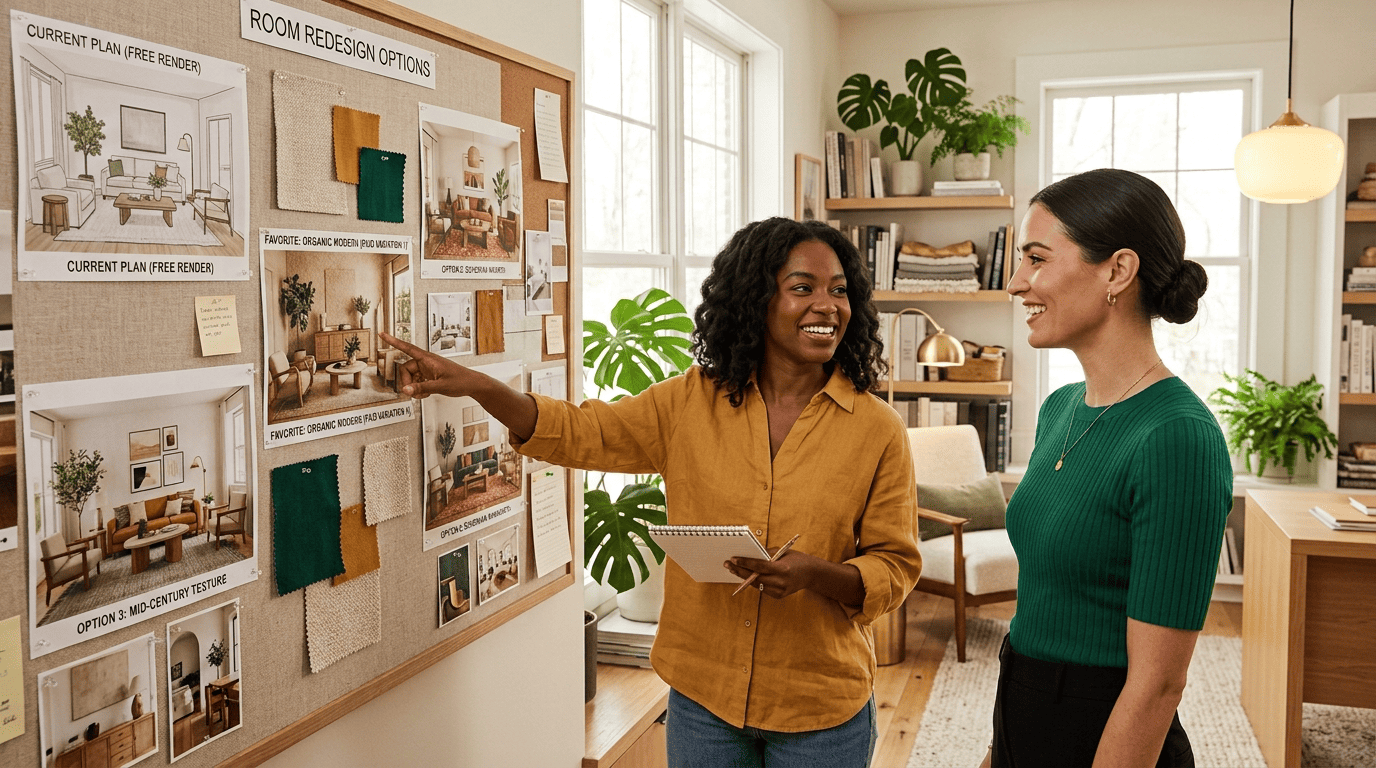
Even on a free tier you can usually try a wide range of looks and layouts before spending anything:
- Styles. 12+ options such as Modern, Scandinavian, Japandi, Midcentury Modern, Minimalist, Boho, Industrial, Coastal and Farmhouse.
- Room types. Living rooms, bedrooms, kitchens, bathrooms, dining rooms and home offices.
- Color palettes. Swap wall, textile and accent colors without leaving the same layout.
- Variations. Most tools generate 1-4 versions per run so you can compare them side by side.
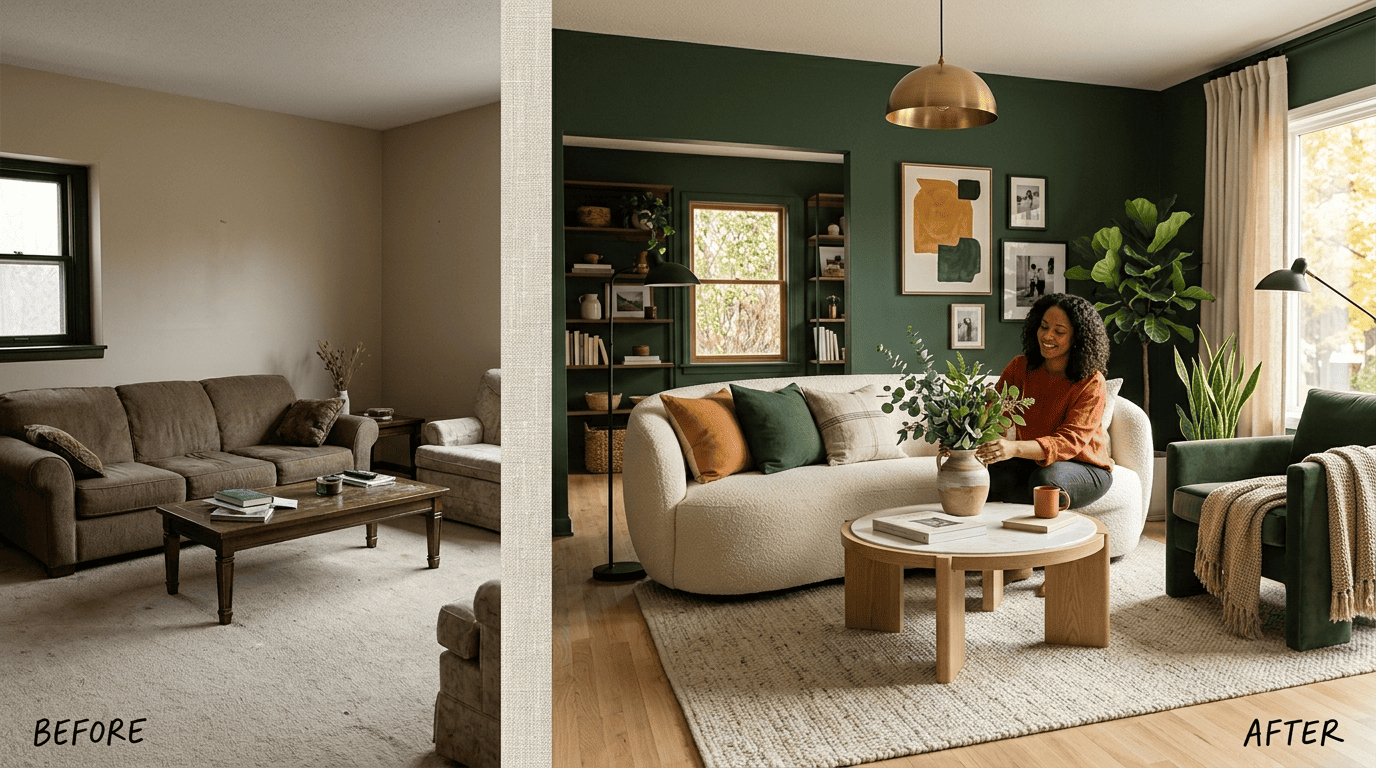
Before you generate anything, it helps to start with a good source image — see our guide on how to redesign a room from a photo for the shots that work best.
Genuinely free vs. paywalled: what the free tier really includes
Free plans and paid plans run the same underlying models — the difference is almost never quality, it’s volume and output.
The three things free tiers limit
Free plans are limited in some combination of three levers, and knowing which one you’ll hit first tells you whether free is enough for your project.
| Limit type | What it looks like | How to work around it |
|---|---|---|
| Volume | A fixed number of credits — one-time or refreshing daily | Batch your best prompts, don’t waste renders on rough drafts |
| Output | Watermarks or a capped export resolution | Pick tools that advertise watermark-free or high-res free exports |
| Features | Fewer styles, no commercial license, no priority queue | Use the free tier for exploration, upgrade only for the final pass |
None of these limits mean the free render itself is worse — the model doing the work is usually identical to the paid version. They just cap how many times, how big, or how polished the output can be before you’re asked to pay.
Watermarks and credits in 2026
Good news heading into this year: watermarks have largely disappeared from free outputs, as several tools dropped them once competition heated up. Credits are the real gate now. RoomGPT, for example, gives new users a small number of free credits — commonly cited as 1, sometimes up to 3 during a promotion — and each of up to four simultaneous design variations draws down that same credit. Reports differ on whether this is a one-time allocation or a small recurring refresh, so treat the exact count as a moving target and check the tool’s current terms before you rely on it.
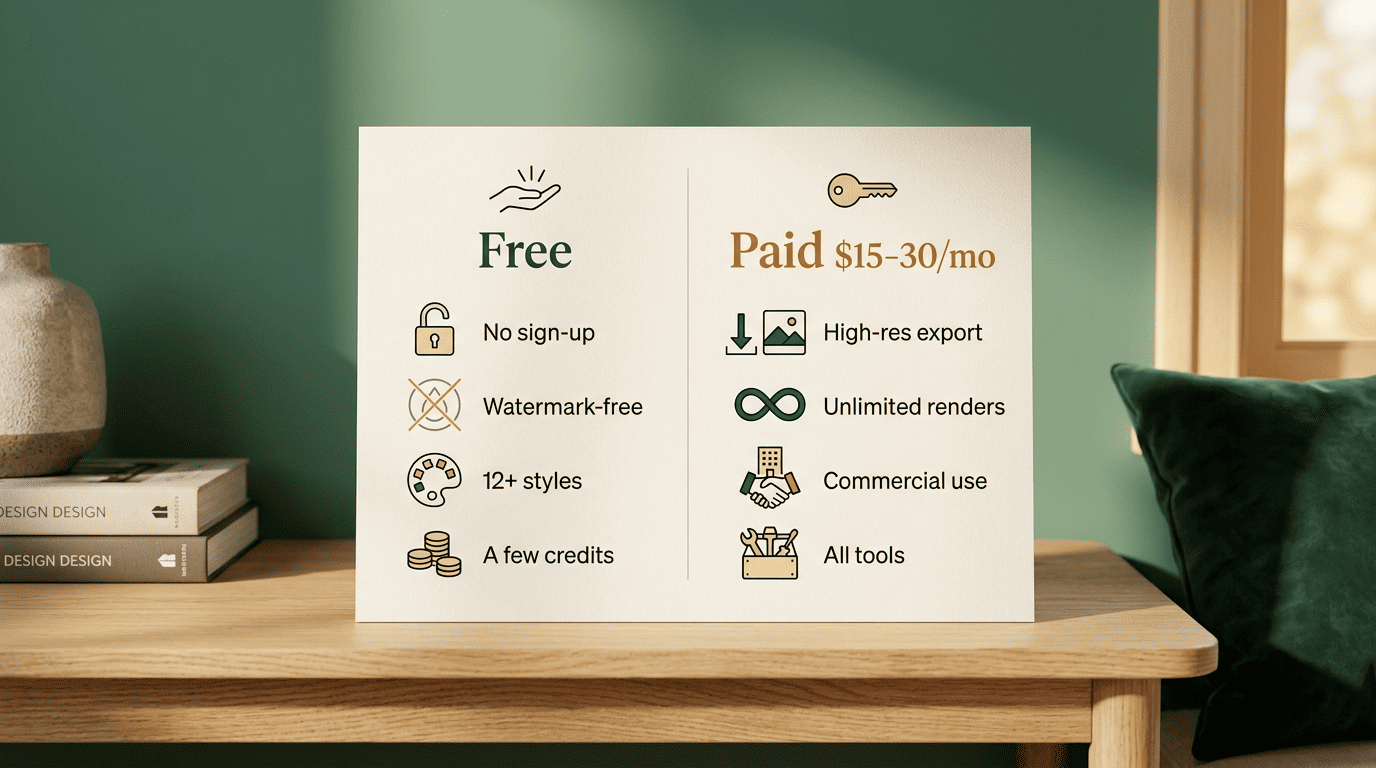
Once the free allocation runs out, paid tiers on similar tools commonly run $15-$30 per month for unlimited or near-unlimited renders, with pay-as-you-go extra credits priced around $1-2 each for occasional use.
Best no-sign-up free AI room designers
I Tried 13 Free AI Interior Design Tools: These Are the Top 3 I’d Recommend.
Apartment Therapy
A handful of tools skip registration entirely. You upload, generate and download without ever creating an account. Home Design AI is one example that returns high-resolution images with no login required. RoomGPT allows at least one render before it asks you to sign up, which is enough to test whether the style you want even renders well on your room. If truly no sign-up is your hard requirement, look for tools that:
- Let you upload a photo and generate a result before asking for an email address.
- State their credit limit up front instead of hiding it behind a paywall click.
- Offer a download button that works without a «create account to save» prompt.
- Publish an independent roundup or review, not just self-reported claims.
Where airoomdesigner.pro fits
airoomdesigner.pro’s own assistant is a free way to start: describe your room or upload a photo, and get styled ideas and a redesign direction without an upfront commitment. It’s built for exactly the moment covered in this guide — testing the waters before you decide whether a paid, higher-volume tool is worth it. There’s no obligation to continue past that first look, so you can see whether AI design fits your project before paying for anything.
How to get great results within a free tier
Free credits are precious, so the biggest lever you control isn’t the tool — it’s what you feed it. A clean input photo and a specific prompt matter more than which app you pick.
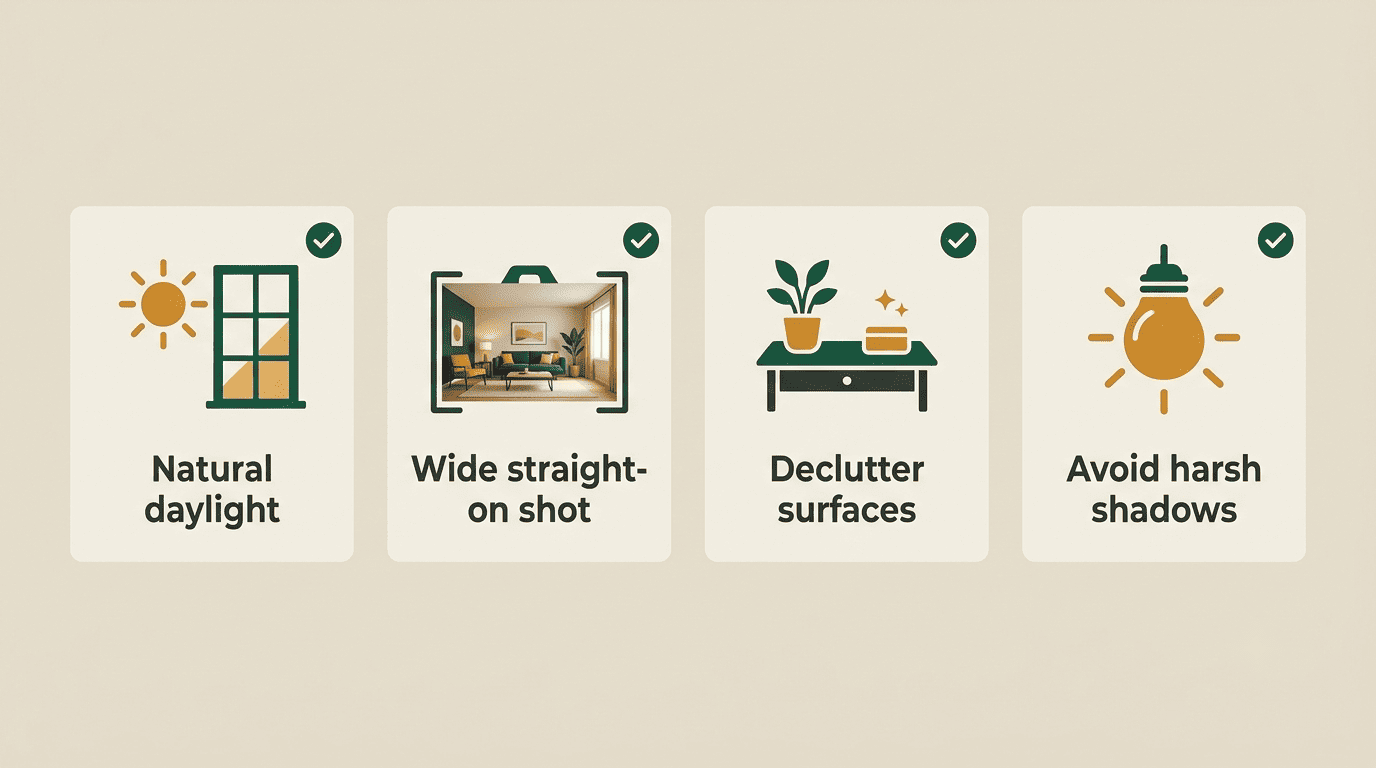
- Shoot in natural daylight — artificial light shifts colors and confuses the model’s read on materials.
- Stand back for a wide, straight-on angle so the whole room is visible, not a cropped corner.
- Declutter visible surfaces — fewer stray objects means fewer things the AI has to guess about.
- Avoid heavy shadows; even lighting keeps structural lines like walls and window frames easy to detect.
- Name the style, mood and materials in your prompt — «warm Scandinavian living room, light oak floors, cream boucle sofa, sage accents» beats «make it nice.»
- Generate a small batch instead of one-off rerolls, then compare 2-4 variations and keep the closest match.
- Iterate on the winner one variable at a time — color, then material, then layout — instead of burning credits on random re-rolls.
The clearer the room’s geometry in your source photo, the more accurately the AI keeps your actual walls and windows while restyling everything else around them.
Realistic expectations and limits
AI is excellent at mood, style and color inspiration, and at showing a plausible «after» in seconds. It’s weaker at exact proportions, buildable furniture and code-compliant layouts, and it can occasionally invent objects that don’t exist in the room at all. Treat every render as a design idea, not a construction document.
- Good at: mood boards, color and style exploration, fast before/after visuals, comparing several directions at once.
- Weak at: exact measurements, structurally accurate furniture, code-compliant layouts, materials sourcing.
- Can get wrong: proportions of large pieces, plausible-but-nonexistent objects, precise room dimensions.
AI renders are design ideas, not engineering drawings — always confirm measurements, materials and any structural or renovation work with a qualified interior designer or contractor before you buy materials or knock anything down. The American Society of Interior Designers maintains a directory of credentialed professionals if you want a licensed second opinion before committing to a renovation. If you’re weighing AI against hiring a human for the whole project, see AI room designer vs. a professional interior designer.
When a paid tier is worth it
Free is usually plenty for a single room you’re redesigning once. The math changes once you’re iterating repeatedly or sharing output professionally.
| Signal | Free tier | Paid tier |
|---|---|---|
| One room, a few looks | Sufficient | Not needed |
| Multiple rooms or repeat use | Credits run out fast | $15-$30/month pays for itself |
| Sharing with a contractor or printer | Resolution may be capped | High-res export included |
| Designing for clients | No commercial license | Commercial use unlocked |
Consider upgrading when any of the following applies to you:
- Free credits run out mid-project and you still have rooms left to design.
- You need high-resolution exports to hand to a contractor or send to print.
- You want every style, room type and tool feature unlocked, not just the free subset.
- You’re designing for clients and need a commercial-use license.
For a whole home or repeat use, a $15-$30/month plan quickly pays for itself against the cost of a traditional design engagement.