
AI Room Designer: Redesign Any Room From a Photo in Seconds
An AI room designer turns a single photo of your room into a beautifully restyled space — new furniture, colors, and layout — in seconds, so you can see the makeover before you spend a dollar. Under the hood it leans on the same diffusion models that power modern image generators, fine-tuned on interior photography. This page explains how it works, what it can do room by room, and how to get results you will actually want to build.
Snap a photo, pick a vibe, and get a photorealistic redesign of your real walls and windows — not a generic stock room.
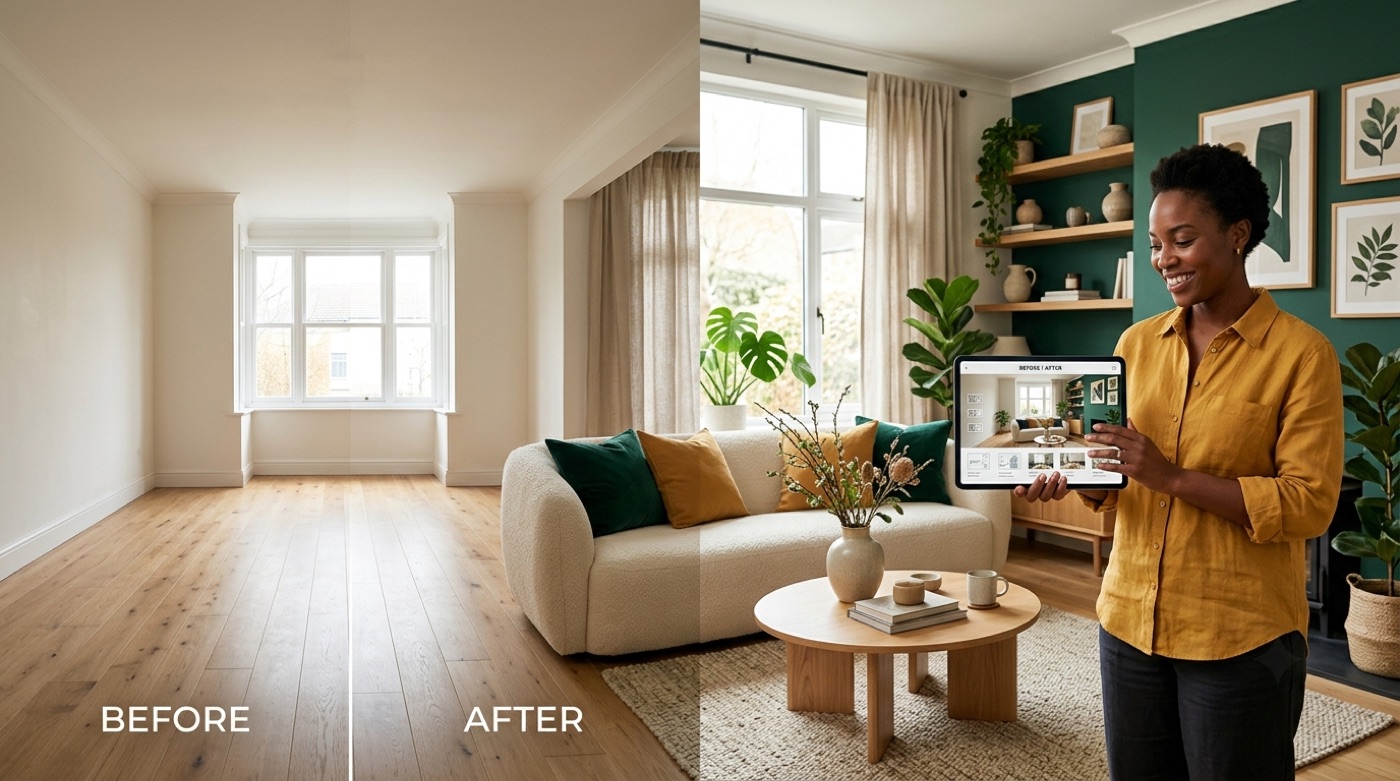
What is an AI room designer?
An AI room designer is a tool that redesigns a real room from a photo (or a written description), applying interior-design styles, colors, and furniture while keeping the room’s actual structure intact. It reads your existing walls, windows, and lighting, then repaints everything that is movable — sofas, rugs, art, palette — into a new look. Think of it as instant AI room design that respects your floor plan instead of inventing a fictional space.
Most tools accept two kinds of input:
- Image-to-design — upload a photo of the room and let the AI restyle it.
- Text-to-design — describe the space in words (“small north-facing bedroom, warm minimalist”) and generate a room from scratch.
An AI room decorator typically returns several variations at once — usually one to four — so you can compare directions side by side before committing. That variation-first workflow is what makes the tool feel less like a filter and more like a fast interior designer who never runs out of ideas.
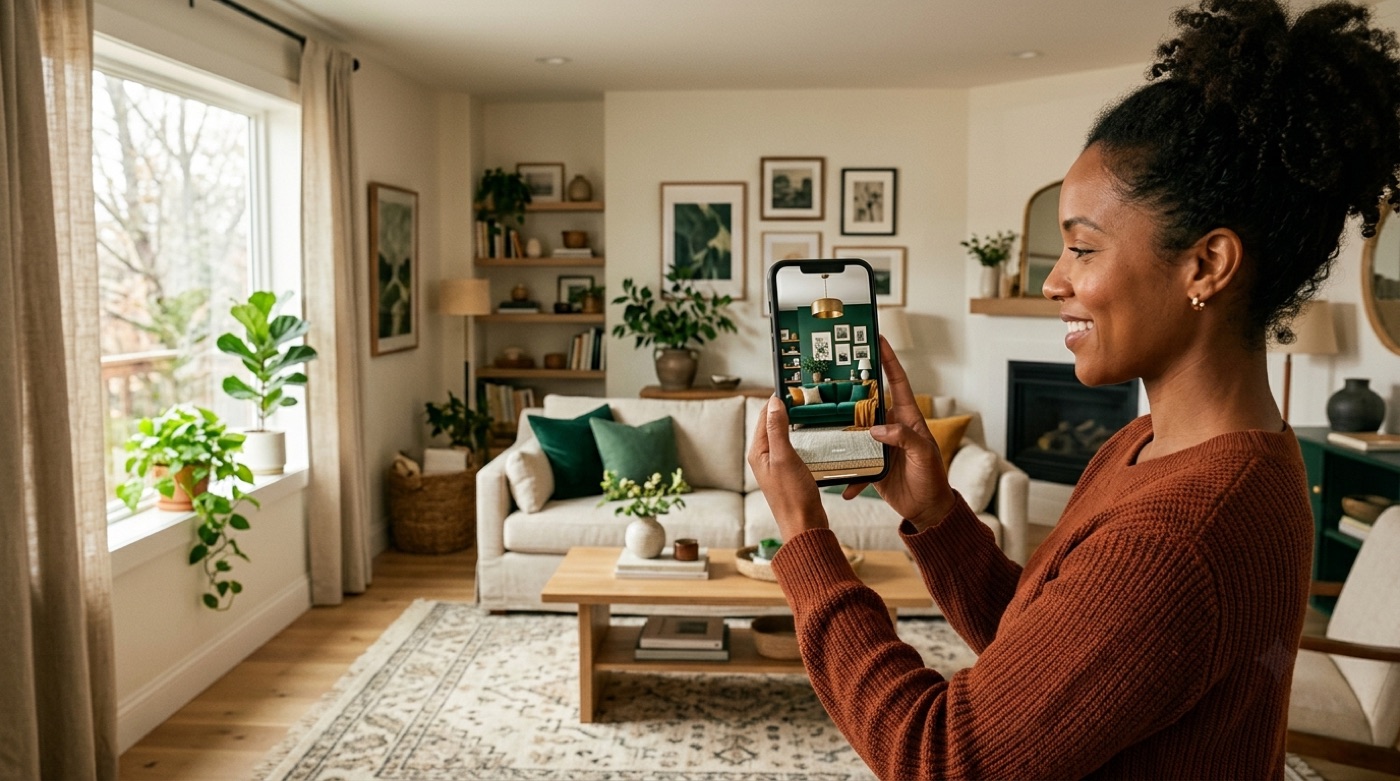
How an AI room designer works (from a photo)
The magic behind room design AI is less mysterious than it looks. The pipeline runs in three plain-English stages, and understanding it helps you feed the tool better photos.
It analyzes the photo first. The AI detects the room’s geometry — walls, windows, floor, ceiling, lighting direction, and the furniture already in the frame. This is why a well-lit, straight-on photo of the whole room produces dramatically better output than a dim corner shot.
It classifies pixels into fixed versus changeable. Structural elements (walls, floor, ceiling, window openings) are locked so your room stays recognizable, while removable elements (furniture, rugs, decor, wall color) are marked as fair game for a redesign.
It renders the new look with diffusion models. The final step uses diffusion models — the same class of generative AI that powers tools like DALL·E and Midjourney — but fine-tuned on large libraries of professionally designed interiors. The model repaints the changeable pixels with realistic lighting, materials, and shadows so the result reads as a real photograph of your room. This photo-in, redesign-out flow is what defines the modern AI room designer.
The same technology underpins virtual staging, where empty or dated real-estate rooms are digitally furnished to help a property sell — a close cousin of what an AI room design generator does for homeowners and renters.
What you can redesign: rooms and styles
There is almost no room an AI interior designer will not touch, and the style menu is deep. This is where the tool earns its keep for people who know they want change but cannot picture it.
Every room in the house
An AI room planner covers the whole house:
- Living areas — living room, dining room, home office
- Private rooms — bedroom, kids’ room, bathroom
- Hardworking spaces — kitchen, entryway, and — where it matters most — small spaces and studios
Renters lean on it hard here: because nothing is physically altered, you can visualize a full makeover of a rental without touching a wall, then shop to match the render.
Small-space design is a standout use case. A studio or a cramped bedroom is exactly where good layout ideas are hardest to imagine and most valuable, and generating five versions of the same tight room surfaces options you would never sketch by hand.
Styles the AI actually knows
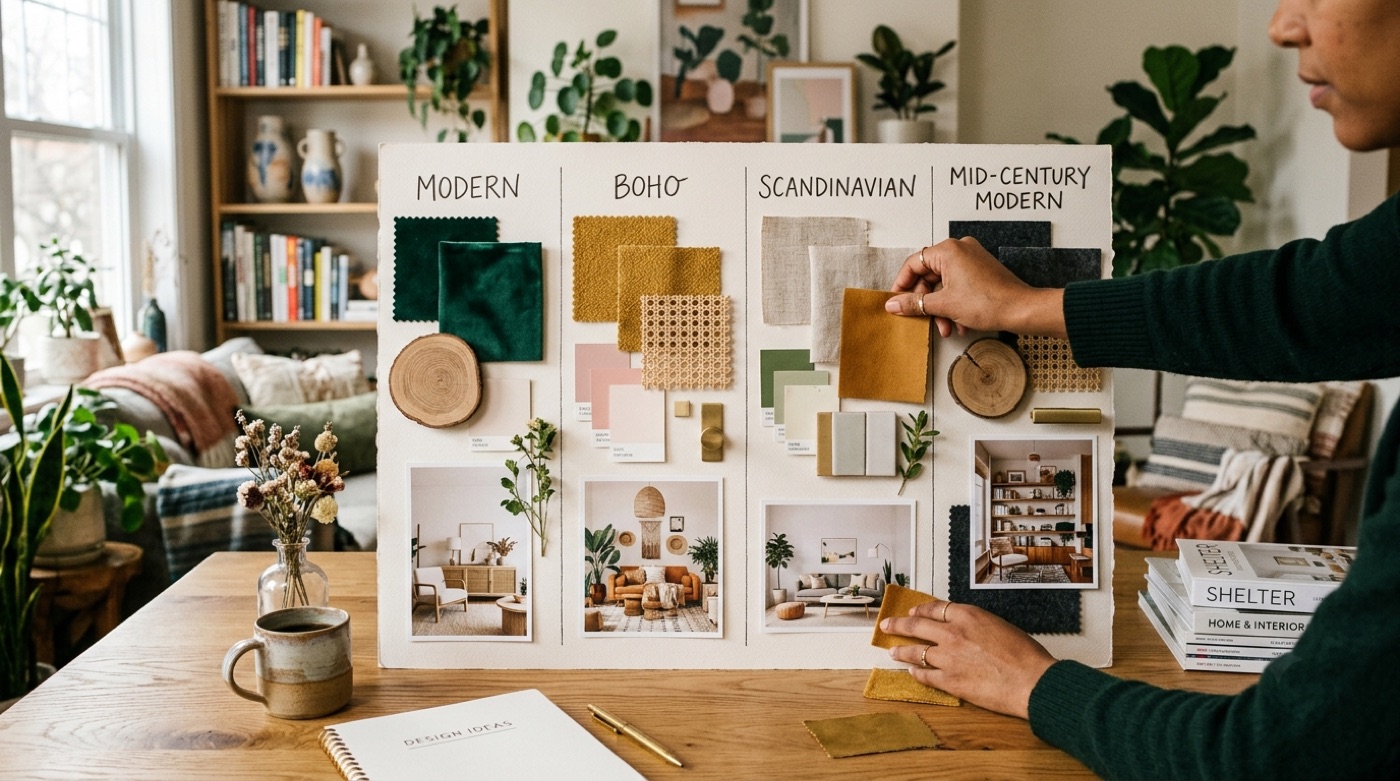
Most tools ship with a dozen or more curated looks, and custom prompts refine the details further. Common presets include:
| Style | Feel | Signature notes |
|---|---|---|
| Modern | Clean, uncluttered | Neutral base, statement lighting |
| Scandinavian | Light, airy | Pale wood, white walls, cozy textiles |
| Japandi | Calm, warm-minimal | Japanese-minimalist meets Scandinavian |
| Midcentury modern | Retro, functional | Teak, tapered legs, bold accents |
| Boho | Layered, eclectic | Plants, patterns, natural fibers |
| Industrial | Raw, urban | Exposed brick, metal, dark tones |
| Coastal / Farmhouse | Relaxed, homey | Soft neutrals, natural materials |
Pair any of these with a room and the AI room design tool renders the combination — a Japandi bedroom, an industrial kitchen, a coastal living room — in one pass.
Colors, palettes, and furniture layout
A restyle is only half the job. An AI room designer also helps with the two decisions people struggle with most: color and layout.
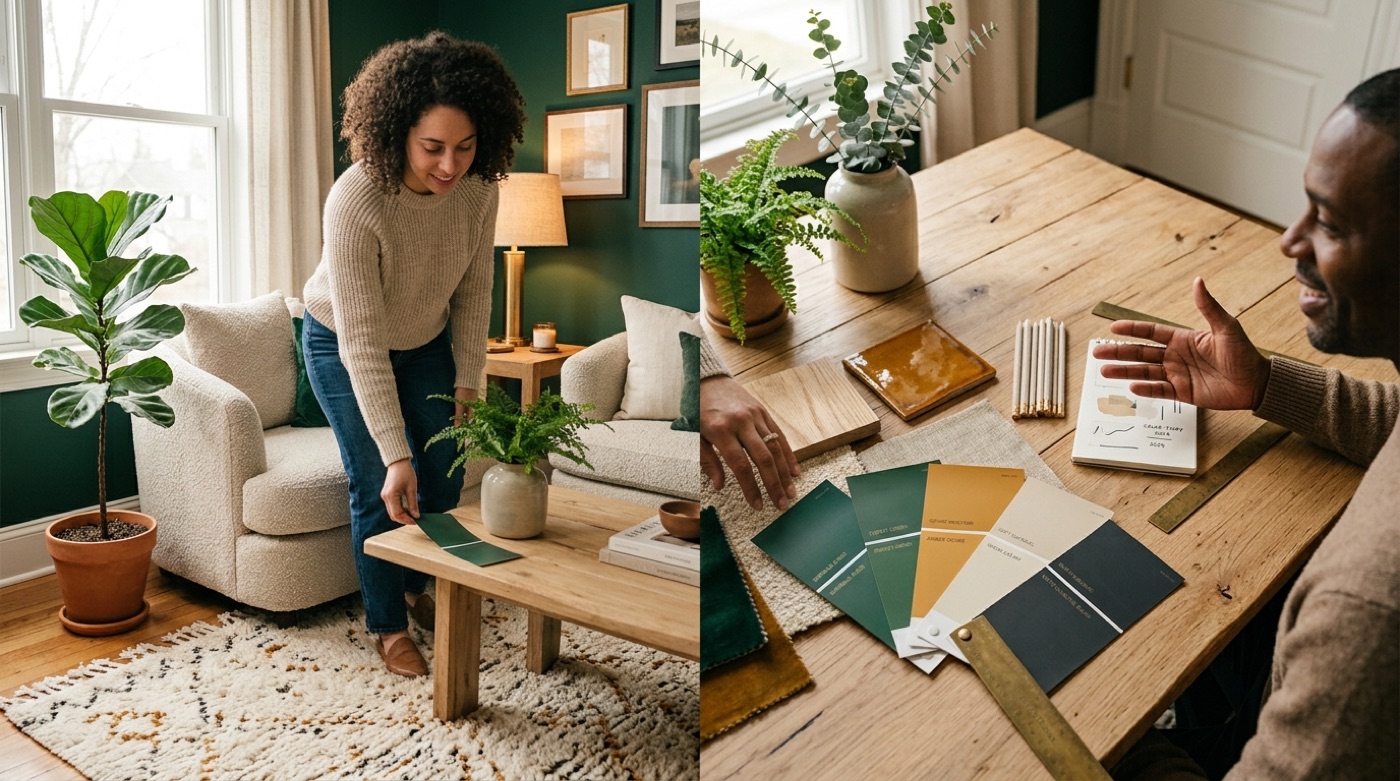
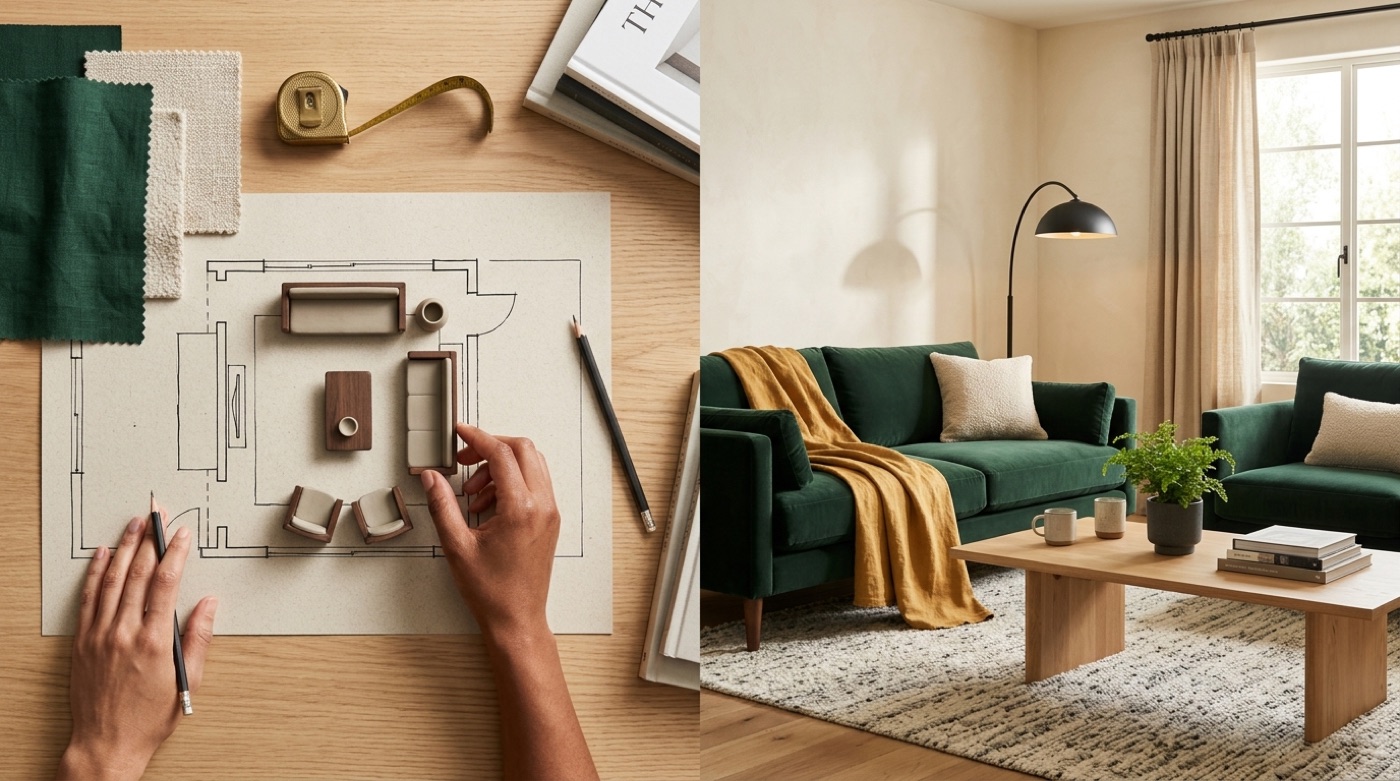
On color, the tool suggests a cohesive color palette tuned to your room’s light and your chosen style, and can assemble a quick moodboard so the whole scheme hangs together instead of clashing. On layout, it plans furniture placement and a rough floor plan so pieces actually fit the space and traffic flows — the difference between a room that looks good in a render and one that works in real life.
Have nothing in your house that you do not know to be useful, or believe to be beautiful.
William Morris
That old design maxim is a useful filter for AI output too: keep the variations that are both livable and lovely, and discard the rest.
AI room designer vs a professional interior designer
The honest comparison comes down to what each is good at. AI wins decisively on speed and cost; a human still wins on sourcing, judgment, and execution.
Hiring a designer to redesign a single room traditionally runs into the thousands of dollars — commonly cited industry estimates put a furnished per-room project in the range of $2,000 to $12,000 — while an AI room design generator collapses the visualization step from weeks to seconds at a fraction of the price. But renders are ideas, not blueprints — a professional still handles the parts a model cannot: sourcing real products, managing the project, and getting the work built correctly.
| AI room designer | Interior designer | |
|---|---|---|
| Speed | Seconds | Days to weeks |
| Cost | Free to low | Thousands per room |
| Best at | Ideas, variations, visualization | Sourcing, project management, execution |
| Output | Photorealistic concept | Buildable plan + real products |
The best results come from using both. Here is the workflow most people land on:
- Photograph the room in good light, straight on, decluttered.
- Generate several style directions with the AI.
- Compare variations and shortlist the two you love.
- Refine the winner with a more specific prompt (color, key pieces).
- Use the render as a moodboard to shop and match products.
- For anything structural, hand the concept to a pro or contractor.
A quick reality check: AI renders are a starting point, not a construction document. Confirm real-world measurements, materials, and any structural or renovation work with a qualified professional before you buy or build.
Is it free? Getting the best results
Plenty of AI room design tools — including this one — let you start for free, and some skip the sign-up entirely. Paid tiers usually unlock more variations, higher resolution, and extra styles, but a free run is enough to see whether AI redesign fits your project.
The quality of your output tracks almost entirely with the quality of your input. To get renders worth acting on:
- Shoot the whole room in even, natural light — avoid dark corners and harsh shadows.
- Declutter first so the AI reads the real geometry, not a pile of laundry.
- Write a specific prompt — name the style, the mood, and one or two must-have pieces.
- Iterate on variations — regenerate, tweak the prompt, and keep the best of each pass.
Treat it like a conversation: the second and third prompts, informed by what the first render got wrong, are usually where a free AI room designer starts producing images you would genuinely build.
Frequently Asked Questions
- How does an AI room designer work?
It analyzes your room photo to detect walls, windows, and lighting, classifies pixels into fixed (structure) versus changeable (furniture and decor), then uses diffusion models fine-tuned on interior photography to render a new look while keeping your real room intact.
- Is there a free AI room designer?
Yes. Many tools, including this one, let you start free, and some require no sign-up at all. Paid tiers typically add more variations, higher resolution, and extra styles.
- Can AI redesign my room from a photo?
Yes — that is the core use case. You upload a photo and the AI keeps your real walls and windows while restyling the changeable elements like furniture, color, and decor.
- Is AI interior design accurate?
Renders are increasingly realistic on lighting and materials, but they are concepts, not blueprints. Always verify dimensions, materials, and product availability before buying or building.
- Can an AI room designer replace an interior designer?
For ideas and visualization, largely yes. For sourcing real products, project management, and execution, a human designer or contractor still adds real value.
- What interior design styles can AI do?
Common presets include Modern, Scandinavian, Japandi, Midcentury Modern, Minimalist, Contemporary, Boho, Industrial, Coastal, and Farmhouse — usually a dozen or more, refinable with custom prompts.